

Your website
Hurdle builds a public website for you from your real programs, schedule, staff, photos and contact details. Families can browse and sign up right there. It is built to help parents find you on Google and in AI assistants.- You manage it under Website in the left menu.
- Website → Leads lists people who showed interest but did not sign up.
- Already have a website? Add your Hurdle programs or schedule to it with widgets.
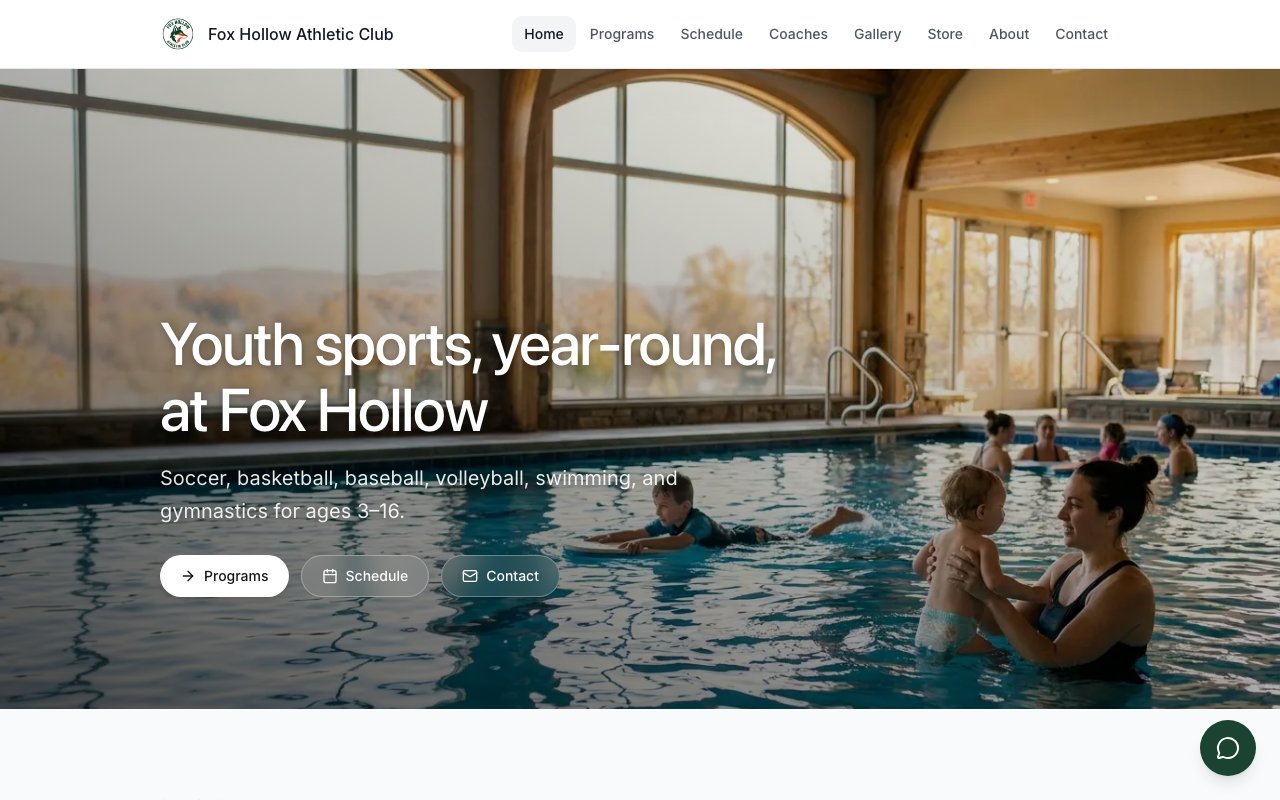
Your public website lists your live programs.
The member app
Every plan includes the Hurdle member app for iPhone and Android. Families use it to:- see their schedule and get updates,
- browse and sign up for more programs,
- pay with Apple Pay or a saved card.