

Who is who
- A guardian (parent or guardian) is the adult who signs up, pays and gets your emails and texts.
- A child is the person taking part. A child does not need an email or phone of their own.
- An adult member signs up and pays for themselves.
- A family (also called a household) links a guardian to their children.
Example
Maria Garcia signs up her children Leo and Sofia for Swim Lessons. She pays once for both. Hurdle adds all three as members and links them as the Garcia family. James Wilson is an adult member with no family attached.How families are linked
- When a family registers, Hurdle links the parent to each child on its own.
- If the parent is already in Hurdle, it finds them by email or phone, so you do not get duplicates.
- You can link two existing members yourself from either profile.
Where to find them
In the menu on the left, click Members. Click a name to open their profile: contact details, family, programs, payments and more.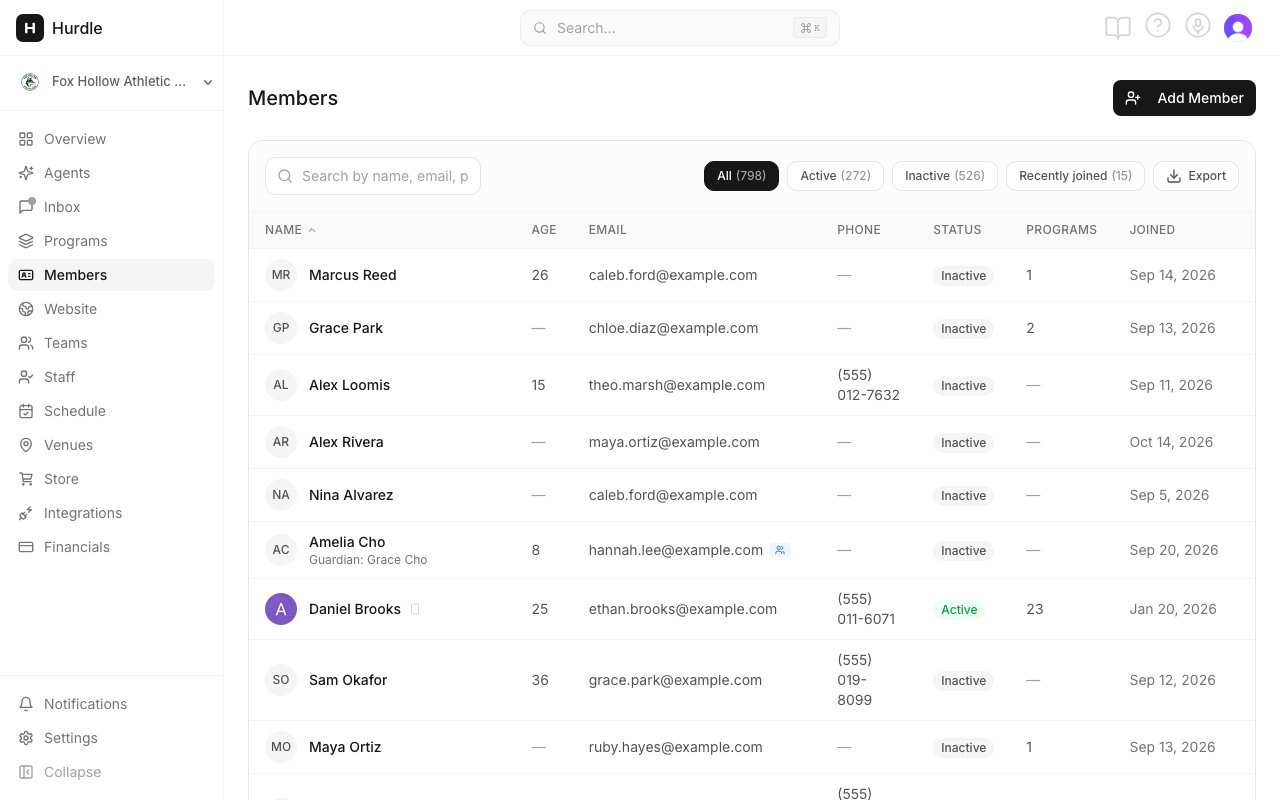
Members lists everyone, adults and children.